Templates
Design email campaigns with the block builder or React Email code editor
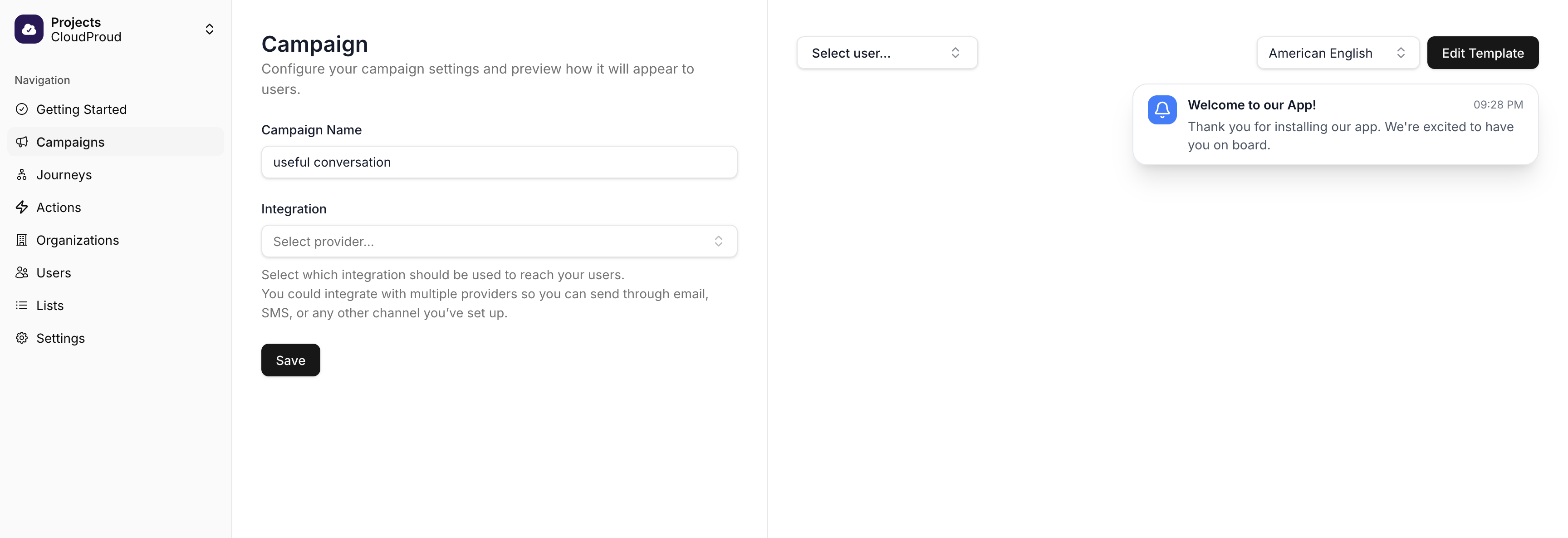
Each campaign has templates for your project's locales. After creating a campaign, navigate to the Editor step to design your templates.
Locales
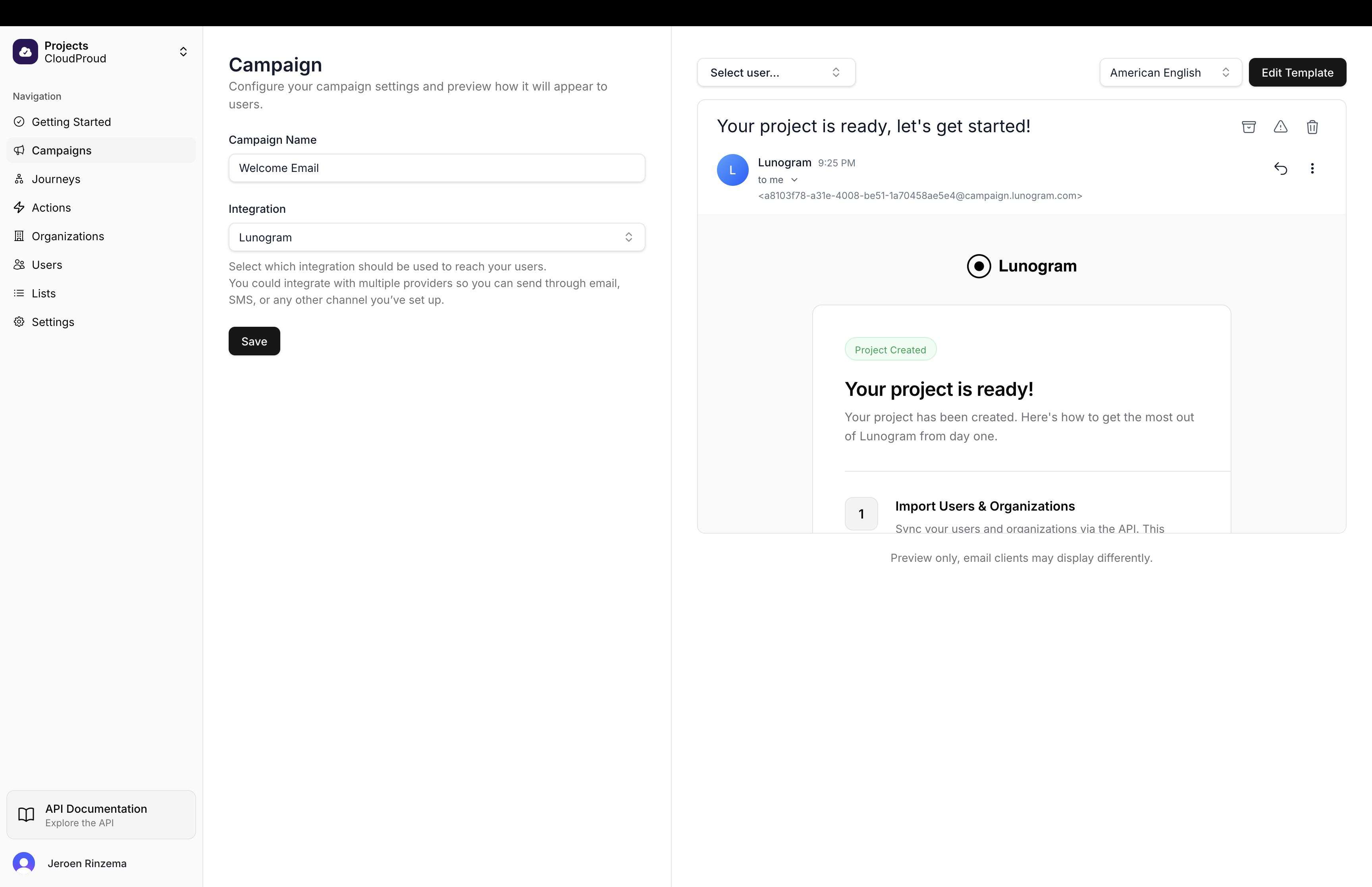
A locale defines the user's language and region, from broad (es for Spanish) to specific (en-PH for English from the Philippines). When sending, Lunogram matches the user's locale to the appropriate template, falling back to your default locale if no match exists.
Email Templates
Email templates are built on React Email, giving you access to a full set of battle-tested components designed for email client compatibility. Choose between two editing modes depending on your needs.
Block Builder
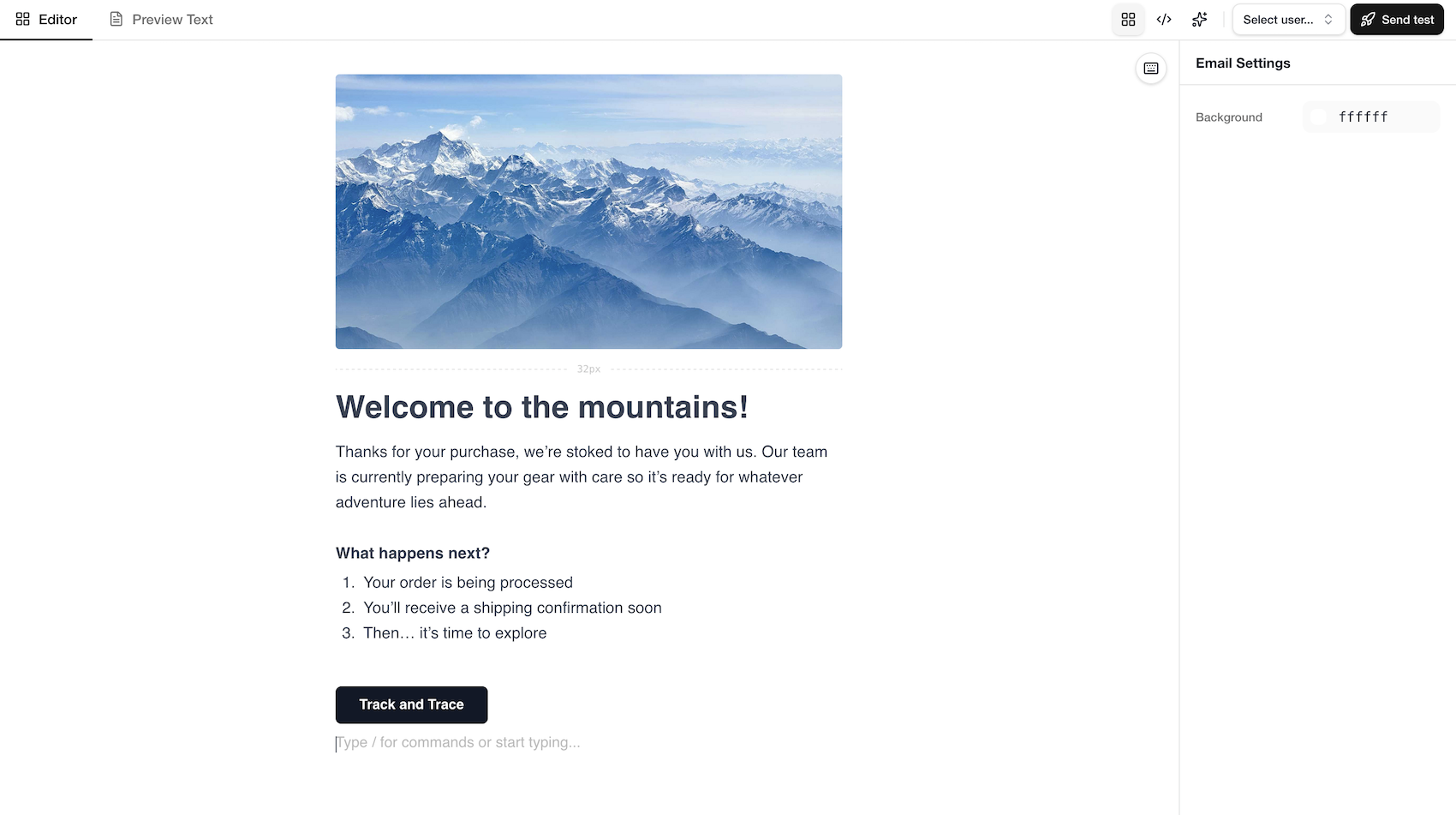
The block builder is a Notion-like editor that lets you compose emails by typing and using slash commands. Type / to insert content blocks such as images, buttons, headings, lists, and more. Select any block to adjust its properties in the sidebar.
This mode is ideal for marketers and content creators who want to build polished emails without writing code.
Code Editor
The code editor gives you full programmatic control over your email templates. Write JSX using React Email components in a TypeScript-enabled Monaco editor with autocompletion, syntax highlighting, and type checking.
Your template is a React component that receives typed props containing user data, event properties, and system variables. This means you can use JavaScript expressions, conditional rendering, loops, and any logic you need directly in your template.
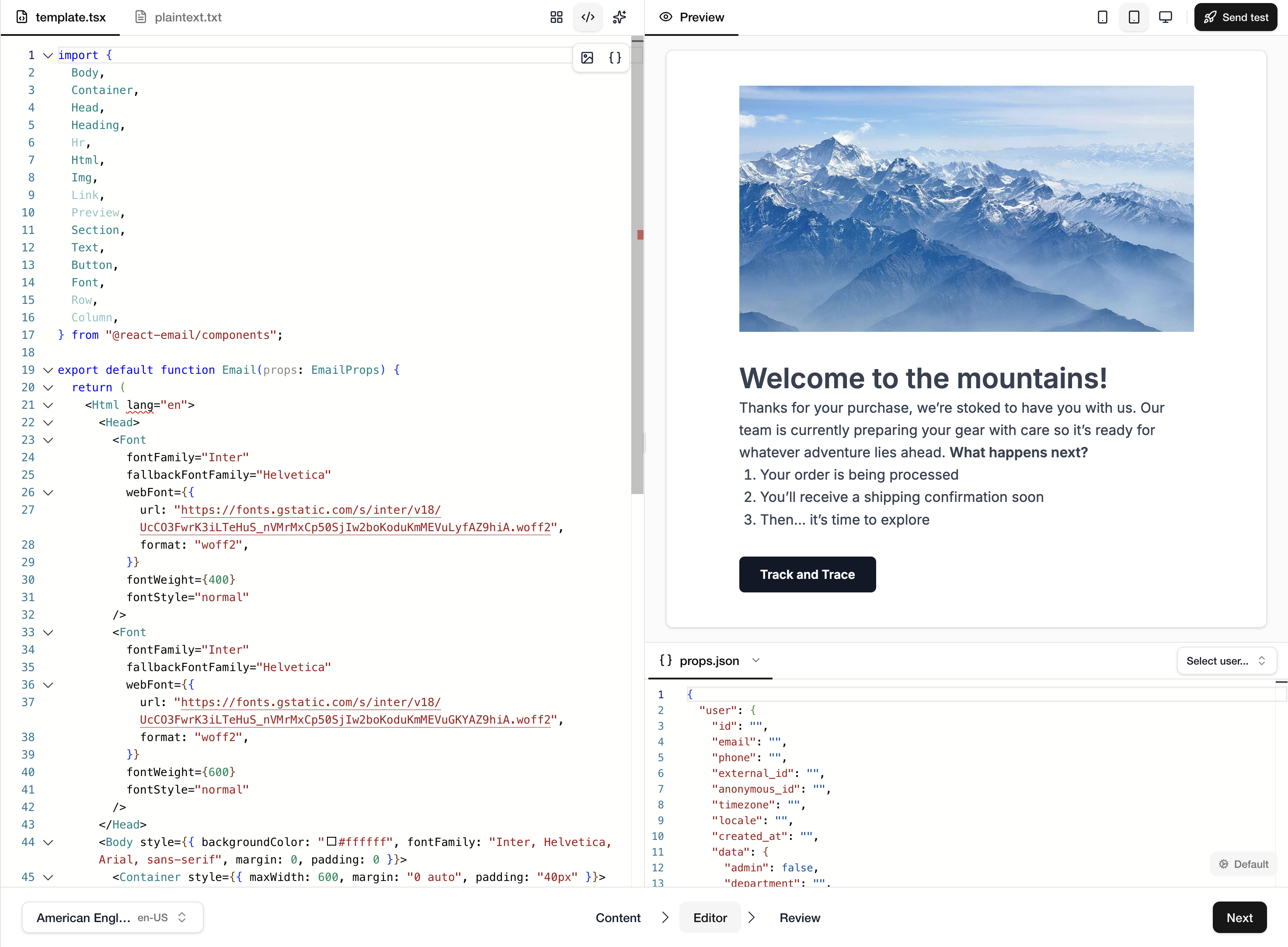
The editor includes:
- Live preview — see your email render in real time as you type, with responsive viewport toggles for mobile, tablet, and desktop
props.jsonpanel — edit preview data or select a real user to see how the email renders with actual data- Plain text tab — edit the plain text version of your email alongside the HTML version
- Image and variable toolbars — insert images from the media manager and variables from a searchable picker
- Send test — send a test email to yourself with the current preview data
Supported Components
The following React Email components are available out of the box:
| Component | Purpose |
|---|---|
Html, Head, Body | Document structure |
Container, Section, Row, Column | Layout |
Text, Heading, Link | Typography |
Button | Call-to-action with href |
Img | Images |
Hr | Horizontal rule |
Preview | Preheader / preview text |
Font | Web font declarations |
Tailwind | Tailwind CSS styling |
Markdown | Render Markdown to HTML |
CodeBlock, CodeInline | Code snippets |
All components support Tailwind CSS classes via the className prop when wrapped in a <Tailwind> component.
Both the block builder and code editor produce React Email output under the hood. You can switch between modes, but switching from block builder to code editor is a one-way operation since the block structure cannot be reconstructed from raw code.
SMS Templates
SMS templates have a single body field. Use template variables like {{ user.email }} to include user data.
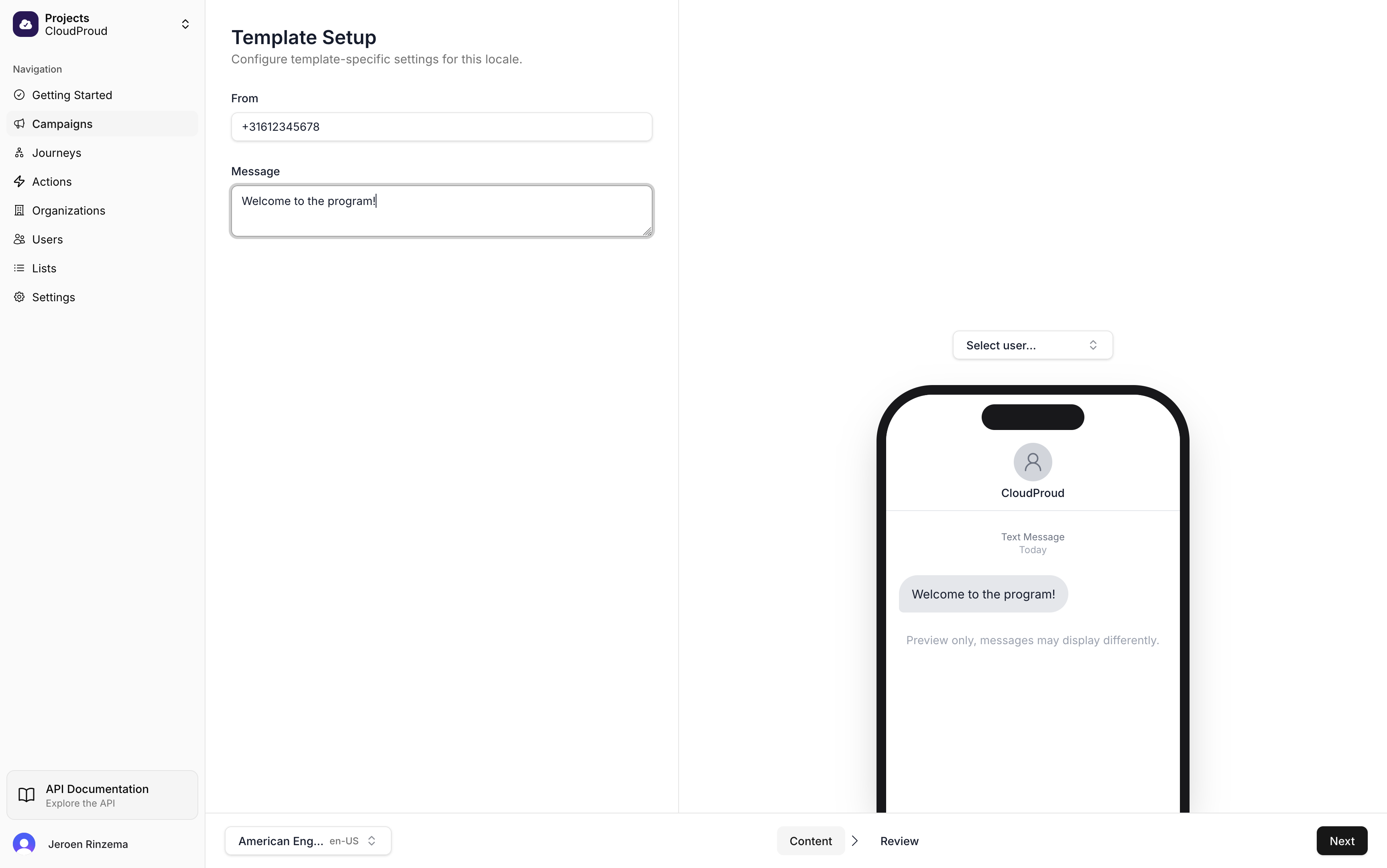
Messages over 160 characters are split into multiple segments. Lunogram automatically includes opt-out instructions in the first message sent to each user.
Push Notification Templates
Push templates include:
| Field | Description |
|---|---|
| Title | Bold headline text |
| Body | Main message content |
| Deeplink | URL to open when tapped |
| Raw JSON | Custom data for your app to process |