Recurring Reminder
Build a recurring reminder journey for grading assignments
You have an e-learning website where students submit assignments and instructors grade them. When a student submits an assignment, prompt the instructor to complete grading, then notify the student when it's ready.
Steps
First, create a journey for the instructor side of the experience. Start with an event-based Entrance step that listens for an assignment.submitted event:
{
  "name": "assignment.submitted",
  "data": {
    "assignment_id": "xyz789",
    "submitted_date": "2024-03-18T12:30:00Z"
  }
}
Expose the event data to subsequent steps under the key assignments.
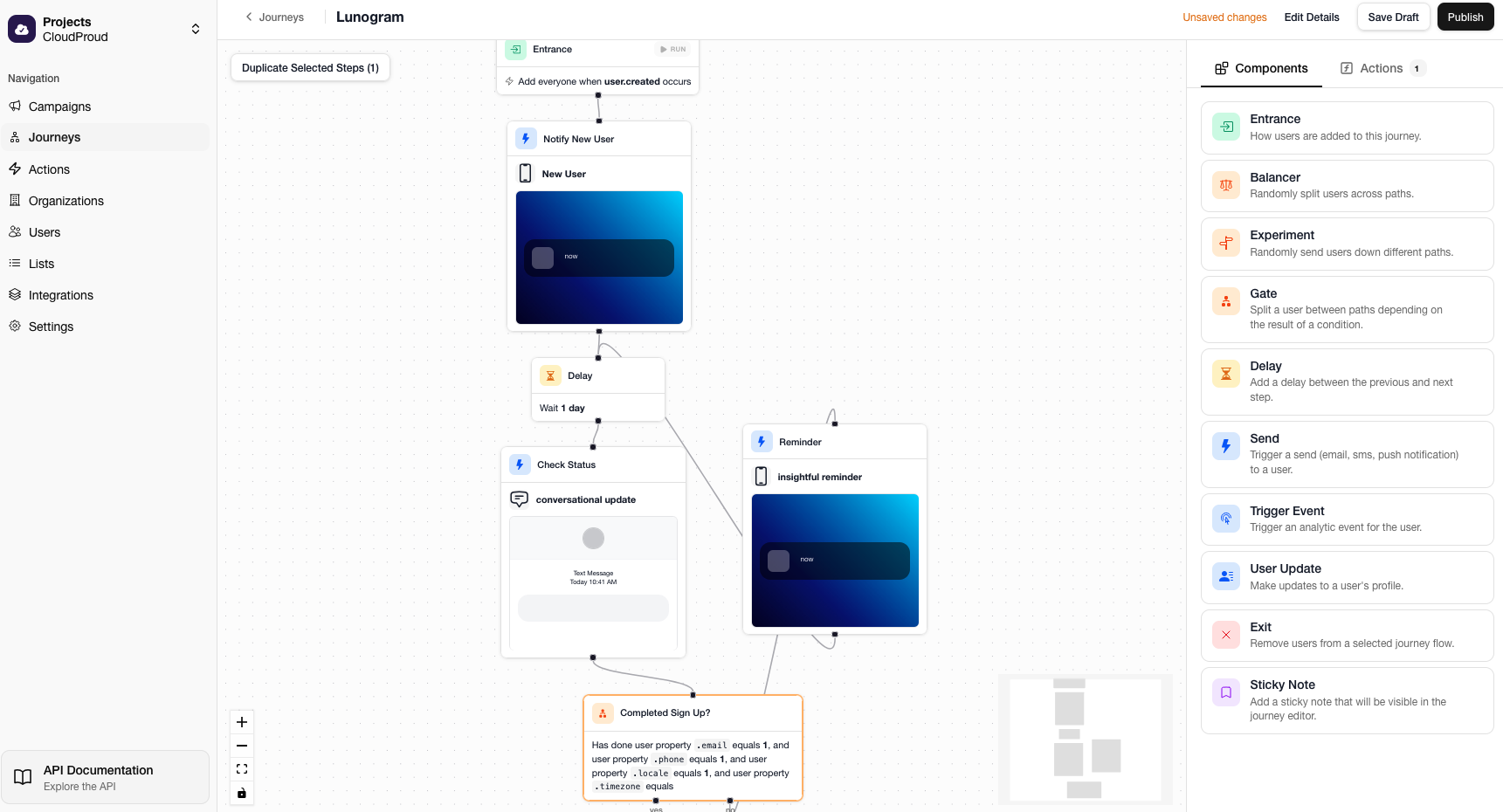
Next, notify the instructor that the assignment is ready to grade with an email Send step.
Add a Delay step, then use an Action step to check whether the instructor has completed the grading. Expose the response data from this step with a data key called status.
Use a Gate to check the status data. If the grading was not completed, send another reminder and loop back to the Delay step to repeat the process.